
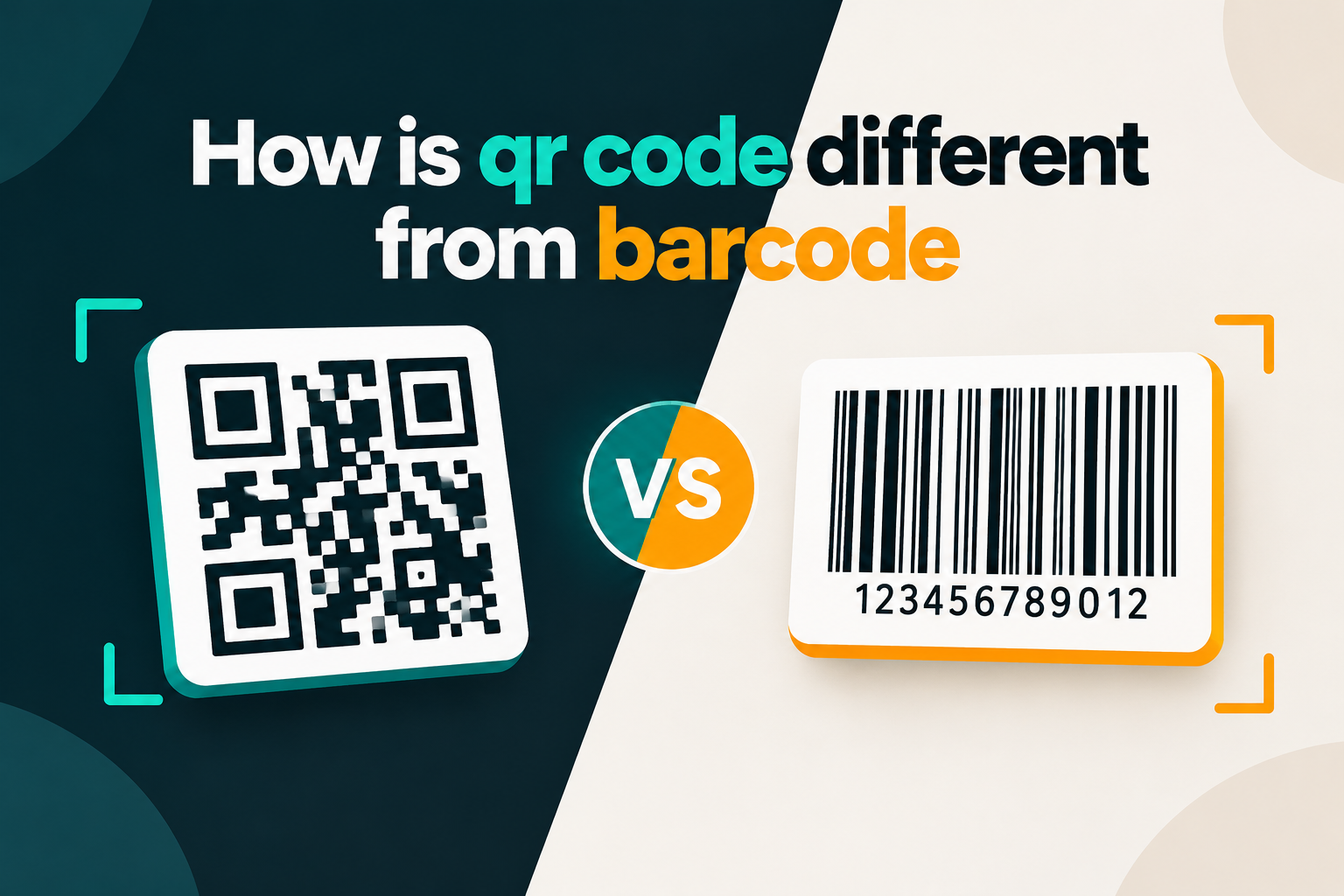
Understanding how is qr code different from barcode is important because both appear on products, tickets, posters, and screens, yet they work in very different ways. At first glance they may look like simple black and white patterns, but the amount of information they store, the way they are scanned, and the tasks they perform are not the same. In this guide you will learn what each code means, how scanning works, where each one is used, their benefits and limits, common mistakes, best practices, and answers to frequent questions.
Whether you run a small business, work in retail or logistics, or simply want to use these codes in daily life, this article will give you clear and practical knowledge. We will compare design, storage capacity, durability, cost, and security in simple language, with real examples and expert tips to help you choose the right option for every situation.
What Is Barcode Technology
Barcodes are the traditional one dimensional codes seen on grocery items and shipping labels. To understand the difference clearly, it helps to first look at how barcodes store data and why they became popular.
1. Basic Definition Of Barcode
A barcode is a machine readable pattern of parallel lines with different widths and spaces that represents numbers or characters. When scanned, a laser or camera reads the reflection pattern and converts it into product information stored in a connected database system for quick retrieval and processing.
2. One Dimensional Data Structure
A standard barcode stores data only in one direction, horizontally, which limits how much information it can hold. Most linear barcodes contain between twenty to thirty characters, usually just a product number or identification code that links to external information in a store or warehouse database.
3. Need For External Database
A barcode by itself does not contain product details like price, name, or stock level. It only holds a reference number that must be matched with a computer system to retrieve useful information. Without access to that database, the barcode alone has very limited meaning for the person scanning it.
4. Common Barcode Types In Use
The most common barcode types include UPC used for retail products in North America, EAN used internationally, Code 39 used in industry, and Code 128 used for logistics and shipping. Each format has specific rules for character length, size, and use, but all share the same linear visual style.
5. How Barcodes Are Printed
Barcodes can be printed with ordinary printers on paper, cardboard, plastic, or product labels at very low cost. They require good contrast, usually black bars on a white background, and clean edges so scanners can read them accurately. Poor printing, fading, or smudging can quickly make them unreadable.
6. Why Barcodes Are Still Popular
Barcodes remain popular because they are cheap, simple, reliable, and supported by almost every point of sale system in the world. They work well for inventory tracking, fast checkout, and warehouse management where only a short identification number is needed and scanning equipment is already available.
What Is QR Code Technology
QR codes are two dimensional square patterns that can hold much more information than barcodes. They were designed to solve the limits of linear codes and to work smoothly with modern smartphones and cameras.
1. Basic Definition Of QR Code
A QR code, which means Quick Response code, is a square matrix of small black and white blocks that stores data both horizontally and vertically. It can be scanned from any angle with a phone camera and instantly reveals text, links, contact details, payment information, or other digital content without extra typing.
2. Two Dimensional Data Structure
Unlike barcodes, QR codes store information in two directions, which greatly increases their capacity. A single QR code can hold up to several thousand alphanumeric characters, allowing it to store website addresses, messages, WiFi login details, tickets, and even small images in encoded form.
3. Built In Information Access
A QR code often contains the actual information itself rather than just a reference number. For example, scanning a QR code can directly open a website, show a menu, display text, or start a payment. This makes it useful even without connection to a private company database.
4. Error Correction Ability
QR codes include built in error correction that allows them to remain readable even if part of the code is dirty, damaged, or covered. Depending on the setting, up to thirty percent of the code can be obscured and still scan correctly, which is a major advantage over traditional barcodes.
5. Easy Scanning With Smartphones
Most modern smartphones can scan QR codes directly through the native camera app without needing a special laser scanner. This makes QR codes ideal for marketing, restaurants, events, and customer interaction, because anyone with a phone can access the information in seconds.
6. Dynamic And Static QR Codes
Static QR codes store fixed information that cannot be changed after creation, while dynamic QR codes link to an editable online destination. Dynamic codes allow businesses to update links, track scans, measure performance, and change campaigns without reprinting, which adds flexibility for long term marketing use.
Key Differences Between QR Code And Barcode
The main difference between these two technologies lies in design, capacity, scanning, and purpose. The following comparison points explain clearly how QR code is different from barcode in practical terms.
1. Visual Design And Shape
A barcode uses a series of vertical lines of varying thickness arranged in a row, while a QR code uses a square grid of dots with three large finder squares in the corners. This visual difference reflects their data structure, with barcodes reading in one direction and QR codes reading in two directions for greater density.
2. Amount Of Data Stored
A traditional barcode typically holds only twenty to thirty numeric characters, enough for a product ID. In contrast, a QR code can store over four thousand alphanumeric characters or seven thousand numeric characters, making it suitable for links, long messages, vCards, tickets, and rich product information.
3. Scanning Direction And Speed
Barcodes must be scanned in a specific horizontal alignment with a laser scanner held close and steady. QR codes can be scanned from any angle, from longer distances, and much faster because the finder patterns help the camera instantly detect orientation and decode the full matrix in one image.
4. Type Of Scanner Required
Barcodes usually require a dedicated laser or linear image scanner connected to a retail or inventory system. QR codes can be read by any smartphone camera, tablet, or modern two dimensional imager, which removes the need for expensive hardware and makes them accessible to general consumers everywhere.
5. Damage Resistance And Durability
A small scratch, fade, or tear across a barcode can make it completely unreadable because there is no backup data. QR codes use Reed Solomon error correction, so even if part of the symbol is stained, wrinkled, or partially hidden, the scanner can reconstruct the missing data and still deliver the correct result.
6. Connection To Information
Barcodes normally act as keys that point to information stored elsewhere, such as a store database. QR codes can work both ways, either pointing to online content or directly containing the full message. This independence makes QR codes more useful for marketing, payments, and direct customer communication.
7. Cost And Implementation Needs
Barcodes are slightly cheaper to print and integrate into legacy retail systems, but they need scanners and database maintenance. QR codes are also very cheap to create and print, and they reduce hardware costs because customers use their own phones. For interactive uses, QR codes usually offer better long term value.
Benefits Of QR Codes Over Traditional Barcodes
While both technologies are useful, QR codes offer several clear advantages for modern businesses and everyday users who need more flexibility and interactivity.
- Higher Storage Capacity: Stores links, text, and contact details directly instead of only a short number.
- Smartphone Friendly: Any customer can scan with a phone camera without special equipment.
- Faster Scanning Experience: Reads instantly from any angle and distance with better accuracy.
- Strong Damage Tolerance: Remains readable even when partly dirty, folded, or faded.
- Supports Marketing Actions: Ideal for menus, payments, reviews, WiFi sharing, and promotions.
- Trackable Performance: Dynamic codes allow scan tracking, location data, and campaign updates.
How Scanning Works For QR Codes And Barcodes
Barcode scanning uses a laser beam that moves across the lines and measures reflected light. The width of each bar is translated into numbers that the system looks up in a database to find product details.
QR code scanning uses image processing instead of laser reflection. The phone camera captures the whole square at once, finds the three corner markers, corrects perspective, and decodes the dot pattern into usable information within a fraction of a second.
This difference means barcode scanners need precise alignment and clean print quality. If the label is curved, wrinkled, or poorly lit, the laser may fail. QR readers are more forgiving because software can adjust for tilt, distance, and lighting automatically.
Another important point is user access. Barcode scanners are usually owned by stores and warehouses, while QR code readers are in every customer pocket. This shift has made QR codes powerful for direct communication between brands and buyers.
In short, barcodes are best for controlled internal systems with trained staff, while QR codes are best for fast, flexible, public facing interactions where convenience and rich information matter most for the final experience.
Practical QR Code And Barcode Use Cases
Real world use shows where each code performs best. These practical scenarios help you decide which option fits your needs for retail, logistics, marketing, and daily tasks.
1. Retail Checkout And Inventory
Barcodes dominate retail checkout because every product has a unique UPC that links to price and stock data. Cashiers can scan items quickly, inventory can be counted accurately, and supply chains stay organized with low cost labels that work with existing point of sale hardware.
2. Restaurant Menus And Ordering
QR codes are ideal for restaurants because they can link directly to digital menus, online ordering, and payment pages. Customers scan the code on the table with their phones, browse updated dishes, place orders, and pay without waiting for paper menus or physical contact.
3. Shipping And Warehouse Tracking
Barcodes and QR codes are both used in logistics, but barcodes are common for simple package IDs while QR codes carry more shipment details. Warehouse staff scan pallet labels to track movement, verify destinations, check contents, and reduce manual entry errors across large distribution networks.
4. Marketing And Promotions
Marketers prefer QR codes on flyers, packaging, posters, and business cards because they connect offline viewers to online actions. A single scan can open a discount coupon, product video, social profile, review form, or signup page, making campaign results measurable and interactive for customers.
5. Payments And Ticketing
QR codes power mobile payments, event tickets, boarding passes, and loyalty programs. The code contains secure transaction or booking details that can be verified instantly. Barcodes are rarely used here because they cannot hold encrypted data or be scanned easily by customers themselves.
6. Healthcare And Product Safety
Hospitals use both codes for patient wristbands, medicines, and lab samples to prevent errors. Barcodes identify records quickly, while QR codes can store dosage instructions, expiry dates, and authentication details. This combination improves safety, traceability, and compliance with strict health regulations.
Step By Step Process To Create QR Codes And Barcodes
Creating both types of codes is simple and affordable. Follow these practical steps to generate clear, scannable codes for business or personal use.
- Define Your Purpose: Decide what information the code should deliver, such as a product number, website link, menu, payment, or contact card.
- Choose The Right Format: Select a linear barcode for inventory IDs and a QR code for links, rich content, or customer interaction.
- Enter Accurate Data: Type or paste your information carefully and double check spelling, numbers, and links before generating the symbol.
- Generate With Reliable Tool: Use a trusted generator with options for size, error correction, and download format for print quality.
- Test Before Printing: Scan with multiple phones and scanners at different distances and lighting conditions to confirm readability.
- Print With Good Contrast: Use black on white, adequate size, quiet zone margins, and high resolution to avoid scanning failures.
- Monitor And Update: Track scans if using dynamic codes and reprint if packaging changes, links expire, or print quality degrades.
Examples Of QR Code And Barcode In Daily Life
Seeing these codes in everyday situations makes their differences easier to remember. These examples show how each technology fits naturally into modern routines.
1. Supermarket Product Barcode
A cereal box carries a UPC barcode that holds only the product identification number. At checkout the cashier scans it, the system finds the price in the database, and stock is updated automatically. Without the store system, the lines alone reveal nothing useful to the shopper.
2. Coffee Shop Table QR Code
A coffee shop places a QR code on each table linking to its online menu and payment page. Customers scan it, customize their order, pay by phone, and earn loyalty points. The code contains direct functional value without needing the shop staff to explain or input anything manually.
3. Courier Parcel Label
A courier parcel often has both a barcode for sorting machines and a QR code for customers. The barcode helps warehouses route the package quickly, while the QR code lets the receiver track delivery status, delivery address details, and return instructions by scanning with a personal phone.
4. Event Entry Ticket
A concert ticket uses a unique QR code that stores encrypted booking information. At the gate, staff scan it to verify authenticity in seconds, even offline. A traditional barcode would be less secure and could not hold the same level of detailed verification data.
5. Medicine Box Verification
A medicine box may carry a barcode with batch number and a QR code with usage instructions, expiry date, and authenticity check. Patients scan the QR code to confirm the product is genuine and to read safety leaflets, which improves trust and reduces the risk of counterfeit drugs.
6. Business Card Contact Sharing
A modern business card includes a QR code that instantly saves name, phone, email, and website to the scanner phone. This is far more efficient than a barcode, which could only store a short ID and would require access to a separate database to retrieve contact information.
Common QR Code And Barcode Mistakes To Avoid
Poor design and printing are the main reasons codes fail. Avoid these mistakes to ensure smooth scanning and a better user experience.
1. Printing Too Small To Scan
Many businesses print codes too small to fit packaging design, but tiny symbols are hard for cameras and lasers to resolve. Always follow minimum size guidelines, keep the quiet white border intact, and test at actual print size before mass production to prevent checkout delays and customer frustration.
2. Using Low Contrast Colors
Stylish colored codes may look attractive, yet light colors or reversed designs often fail in low light. Scanners need strong contrast to distinguish marks clearly. Stick to black on white or very dark on very light backgrounds to maintain maximum readability across devices and lighting conditions.
3. Linking To Broken Or Long Pages
A QR code that opens a broken link, slow page, or non mobile friendly site creates a poor impression. Always use short, tested URLs, ensure pages load fast on phones, and update dynamic codes when campaigns end. A quick pre launch test can save many lost opportunities and complaints.
4. Placing Codes In Poor Locations
Codes placed on curved edges, folds, shiny surfaces, or behind reflective plastic are difficult to scan. Choose flat, well lit, easily reachable spots at a comfortable height. For packaging, avoid seams and wrinkles, and for posters keep codes away from corners where they may be cropped or shadowed.
5. Storing Too Much Data In One Code
Overloading a QR code with excessive text makes the pattern dense and harder to scan, especially when printed small. Keep content concise, use link shorteners for URLs, and choose higher error correction only when necessary. Simpler codes scan faster and work more reliably on older phones.
6. Forgetting To Test Across Devices
A code that works on one phone may fail on another scanner or under store lighting. Test barcodes with actual laser scanners and QR codes with both Android and iPhone cameras. Check from different angles and distances to ensure consistent performance for all users and staff members.
Best Practices For QR Code And Barcode Use
Follow these proven practices to get reliable scans, longer label life, and better results from both technologies in any environment.
1. Keep Adequate Size And Clear Margins
Always provide enough white space around the symbol, known as the quiet zone, so scanners can detect edges correctly. Use at least two centimeters for QR codes on print materials and larger sizes for billboards or distant viewing. Clear margins significantly improve first time scan success rates.
2. Choose High Quality Printing Materials
Use smudge resistant ink, matte finishes, and durable labels for products exposed to moisture, heat, or handling. Thermal labels work well for shipping, while coated paper suits retail packaging. Good materials prevent fading and keep both barcodes and QR codes readable throughout the product lifecycle.
3. Add Human Readable Text And Instructions
Include a short call to action like scan to view menu or scan for price near QR codes, plus printed numbers below barcodes. Clear instructions increase engagement, help staff enter data manually if scanning fails, and make the codes more accessible for older or less tech savvy users.
4. Use Dynamic Codes For Campaigns
For marketing, events, and product packaging that may change, choose dynamic QR codes that let you update destinations without reprinting. You can fix links, switch promotions, and view scan analytics by time and location, which helps you measure return on investment and improve future campaigns effectively.
5. Ensure Mobile Friendly Destinations
Every QR code should lead to a fast, mobile optimized page with large buttons and minimal typing. Avoid heavy popups, auto play videos, or complex forms. A smooth mobile experience encourages users to scan again, share the code, and complete desired actions like purchase, signup, or review.
6. Combine Both Codes When Needed
In many operations it makes sense to use barcodes for internal inventory and QR codes for customer facing information on the same package. This dual approach leverages existing retail infrastructure while adding interactive value, without forcing a complete system replacement or confusing staff workflows.
Frequently Asked Questions
Can A QR Code Replace A Barcode Completely
A QR code can replace a barcode in many customer facing uses, but not always in retail and logistics. Most checkout systems are built for linear barcodes, so full replacement would require new scanners and software. Many businesses use both together for smooth transition and maximum compatibility.
Which Code Holds More Information Safely
QR codes hold far more information than barcodes and include error correction for safe recovery. While a barcode stores about twenty five characters, a QR code can store thousands of characters. This makes QR codes better for links, detailed product data, tickets, and secure verification tasks.
Do I Need Internet To Scan These Codes
You do not need internet to decode the pattern itself, but you may need it to use the information. Barcode lookup requires store database access, and many QR codes link to websites. Plain text QR codes with messages or contact details can work fully offline after scanning.
Are QR Codes More Secure Than Barcodes
QR codes can support encrypted data, password protected pages, and authenticated ticketing, which barcodes cannot easily provide. However, both can be copied if printed openly. For security, use unique dynamic codes, verify sources before scanning unknown codes, and use official verification systems.
Why Does My Barcode Sometimes Fail To Scan
Barcodes fail due to small size, poor contrast, fading, wrinkles, glare, or damage across the bars. Laser scanners also need proper alignment and clean lenses. Reprinting larger with black on white, keeping surfaces flat, cleaning scanner windows, and adding manual entry backup usually solves most problems quickly.
Which Code Should Small Businesses Choose
Small businesses should use barcodes for product inventory and checkout if selling in stores, and QR codes for marketing, menus, payments, reviews, and contact sharing. This combination is affordable, easy to implement, and meets both operational needs and modern customer expectations for fast mobile interaction.
Conclusion
The difference comes down to capacity, scanning, and purpose. Barcodes are simple linear codes ideal for fast inventory and checkout, while QR codes are versatile two dimensional codes that store rich data and connect directly to digital experiences through smartphones.
By choosing the right code for each task, printing it clearly, and testing before use, you can improve efficiency, reduce errors, and create smoother experiences for customers and staff. Use both wisely and you will get the best of reliability and modern convenience.